
Wireless VR headsets have genuinely set gaming and immersive experiences free in ways that didn’t seem possible just a few years back. Being able to move around untethered gives you loads of freedom, but if you’ve spent real time with these headsets, battery drain is probably a familiar frustration. Running out of power can turn an epic VR session into a scramble for a charger very quickly! After plenty of hands-on experience and sifting through community feedback, I’m here to share my go-to methods and down-to-earth tips to help you get much more mileage out of your headset.
Understanding VR Headset Battery Life
Most wireless VR headsets use lithium ion or lithium polymer batteries offering anywhere from 1.5 to about 3 hours of playtime per full charge, depending on the model and the apps you’re running. Big games or apps powering high resolution or next-level cool graphics eat up power fast. Keeping battery life healthy isn’t just about convenience; it shapes how spontaneous and fun your VR sessions can be.
Popular models like the Meta Quest 2 and Pico 4 each pack slightly different battery capacities and software optimizations, but the main themes are similar. Your surroundings, accessory usage, and even background apps can noticeably cut down your unplugged time.
Key Factors That Affect Battery Life
Plenty of factors influence how long your VR headset stays powered up. Here’s what I keep an eye on and how each can step up or limit your session length:
- Brightness and Screen Refresh Rate: Higher settings look next-level cool but demand more energy. Scaleback on these a bit to gain some crucial extra minutes—sometimes a lot more than you’d expect.
- Background Processes: System updates, social apps, or virtual environments running quietly eat battery. Shut down anything you’re not using to keep things running longer.
- Accessory Loads: Extra cameras, headphones, and hand tracking equipment all use up battery time—sometimes more than you’d think.
- WiFi and Bluetooth: If you are offline and don’t need to connect, turning off WiFi and Bluetooth makes a noticeable difference.
- Temperature: Warmer batteries lose charge quicker, and a lot of heat over time will make battery life even shorter. Keep your headset in cool, shaded spaces.
Step-by-Step Guide: Getting More Juice From Your VR Headset
Pulling together these practical steps can stretch your play session, and they don’t call for extra gear:
- Adjust Screen Settings: Lower brightness as much as is comfortable and run at 90Hz or 72Hz refresh (rather than 120Hz) if you don’t need max smoothness.
- Close Unused Apps: Make sure only what you’re using is running. Depending on your VR OS, you can find ways to check task lists and shut things down with just a few taps.
- Switch Off Extra Features: Passthrough cameras or trackers left on when not needed will waste battery, so flip them off when you can.
- Go Into Airplane Mode: For solo games that don’t need a network, airplane mode drops power draw by turning off connections.
- Keep It Cool: Use the device in cooler rooms and if it gets warm, let it cool off before plugging in to charge. This helps the battery stay strong for more charges overall.

Accessory Upgrades That Help With Power
Even if you tweak your settings, sometimes you’ll want physical add-ons for long-haul sessions. Here’s what works for me:
- External Battery Packs: Clip on battery packs connect through USB C. Getting a decent one can double or even triple your VR hours. Go lightweight and pick a reputable brand—Anker, Rebuff Reality, and Kiwi Design are talked up by lots of VR enthusiasts.
- Replacement or HotSwappable Batteries: Some headsets, such as the Pico Neo line, let you pop in fresh batteries. Carrying a spare is a great move for marathon nights.
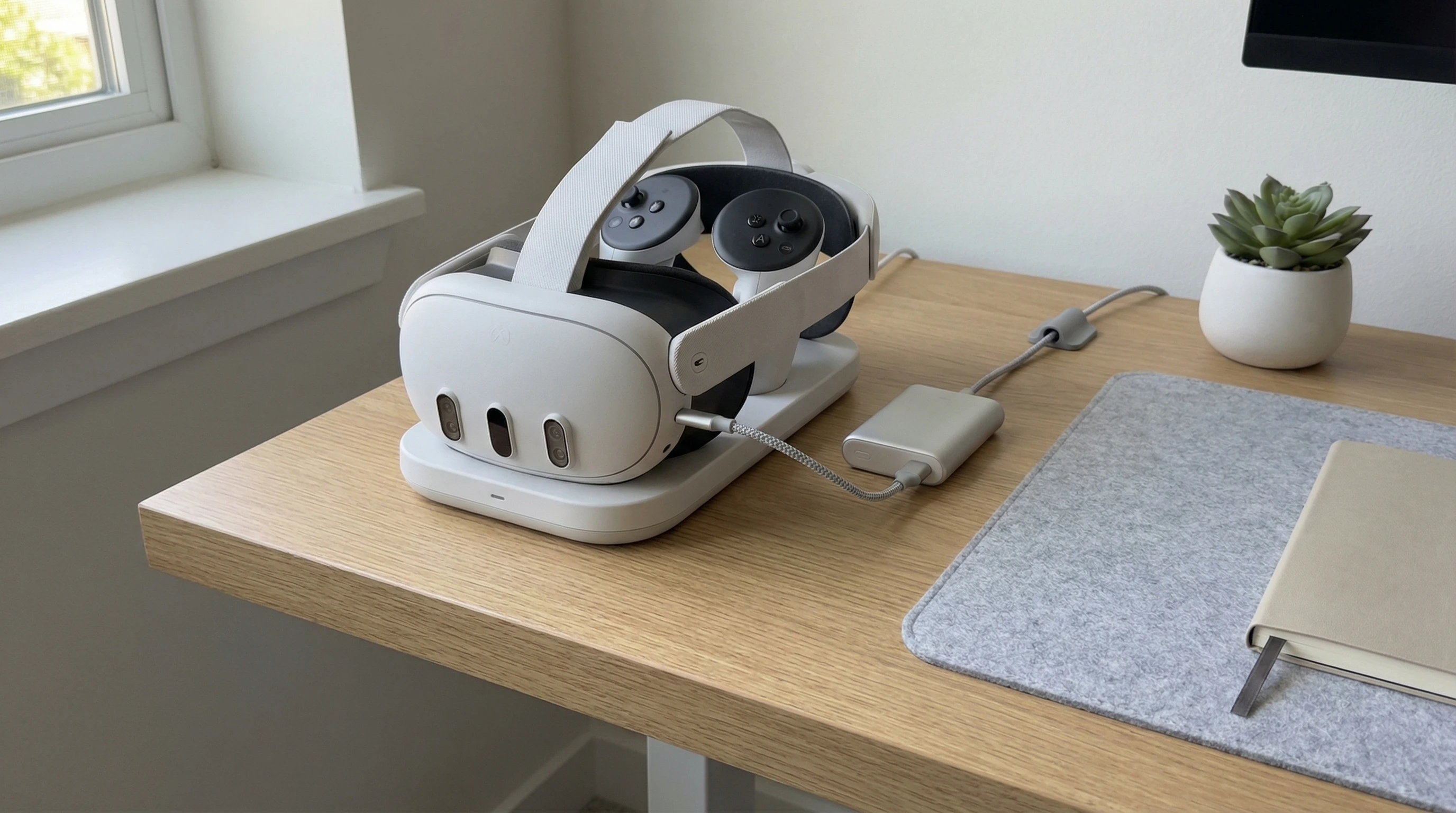
- Charging Docks: Magnetized docks make it easy to pop your headset onto a charger when you finish, so you’re set for the next session.
Common Pitfalls and How to Avoid Them
Watch out for these habits that can stall your sessions, even with upgrades in place:
- Leaving Headsets Plugged In Nonstop: Easy to do, but it will wear down lithium batteries sooner.
- Regularly Draining Battery to 0%: Going all the way down to zero on the charge too often can shrink the battery’s total lifespan. Try to charge up once you’re below 25% instead.
- Cheap Chargers: Unbranded or poorly built charging cables can cause problems or charge inefficiently, so stick with the cables that shipped with your headset or trusted alternatives.
- Neglecting Updates: Device and app updates often include tweaks that help with battery use. Check for updates every couple of weeks.
External Battery Packs: Choosing the Best Fit
Power banks and battery attachments that work for VR headsets come in all sizes and setups. Here’s what I’ve learned from shopping around:
- Output Power: Make sure the power bank you pick can push out the volts and amps your headset needs, usually 5V/2A or 9V/2A.
- Balanced Design: Your pack should attach securely and not throw off the balance of your headset. Comfort over longer sessions is key.
- Managing Cables: Choose short, flexible USB C cables to avoid any tangles or distractions while playing.
- Strong Reputation: User reviews on sites like Reddit (check r/OculusQuest) make it easier to spot brands and products that live up to their hype.
Extend Battery Life With Smart Habits
To really stretch your headset’s lifespan, develop these easy habits:
- Charging Just Enough: Top off the battery as needed but unplug it once it’s full instead of leaving it overnight.
- Proper Storage: Keep your headset out of very hot or steamy environments, like parked cars or near a heater—heat weakens battery cells quickly.
- Staying Updated: Hunt down firmware/app updates every so often. You’ll likely notice your device running longer and cooler with newer software.
- Official Sources Only: Download apps and software only through the official app store to avoid buggy or battery-hogging apps running unnoticed.
RealWorld Scenarios: The Advantage of Extended Play
Longer battery hours aren’t just about fun—they’re a big plus in lots of situations:
- VR Fitness: Fitness games and exercise routines run much smoother when you don’t have to stop mid-flow for a recharge. A power bank lets you knock out workouts with no interruptions.
- Travel and Outdoor Sharing: If you’re demoing VR for friends or family, a longer charge means everyone gets a turn without breaks to recharge.
- Professional or Creative Use: Artists and developers working on big projects benefit from longer sessions, whether for showcasing work or making changes during development. Strong battery life turns these into possibilities instead of hassles.
Frequently Asked Questions
Here are answers to some VR battery questions I run across all the time:
Question: How can I make my VR headset battery last longer without buying anything?
Answer: Use a dimmer screen, step down the refresh rate, quit all extras, and use airplane mode when alone. Small steps like these quickly add up to bigger sessions.
Question: Can I use my phone’s power bank to charge my VR headset?
Answer: In most cases, yes; always check that your power bank matches the required output for your headset, and remember—don’t risk using sketchy chargers or cables that could cause damage.
Question: Will charging my headset overnight damage it?
Answer: Most VR batteries handle overnight charges okay, but if you always leave it at 100% for months, the battery could start to wear out faster. Disconnect once charged for better long-term results if you can.
Extra Resources and Tips for Anyone Curious
If you want to dig into more advanced tweaks, community forums, official device guides, and YouTube channels are great spots to track down advice and firmware-specific secrets. Sharing stories and practical tips with other users has shown me plenty of clever ways to stretch battery life even further.
Spending more time in VR without interruptions is possible when you mix small smart habits, tweaks, and the right gear. You don’t need a one-size-fits-all miracle fix; improving battery life is about using practical steps every session and enjoying your virtual world for longer, hassle free.